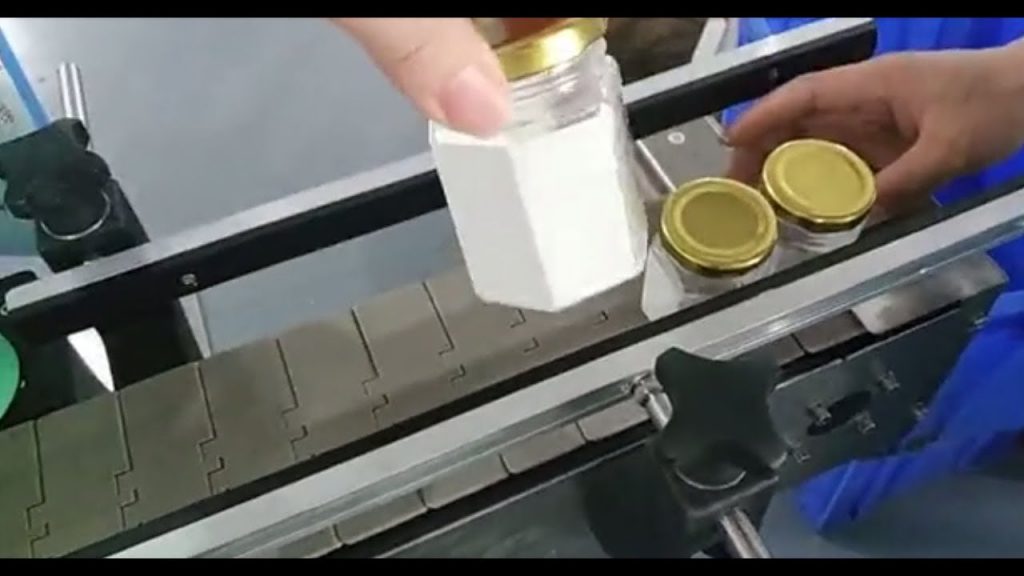
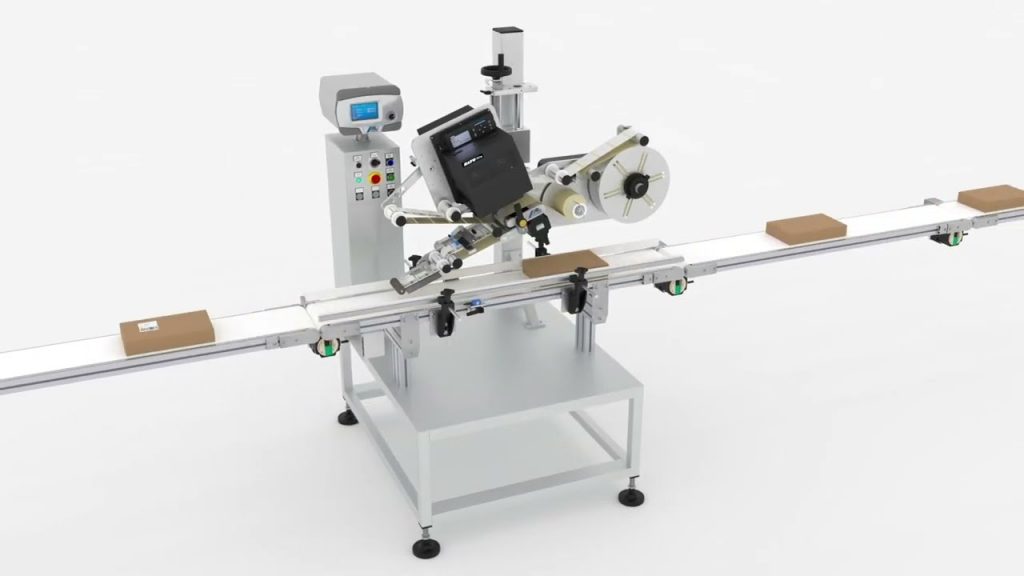
If you're in the market for a simple and easy-to-use handheld labeling machine that excels on flat surfaces, look no further. In this article, we will explore the features and benefits of this innovative device and provide a step-by-step guide on how to use it effectively. Whether you're a small business owner, a warehouse manager, or someone who frequently labels items at home, this handheld labeling machine is sure to meet your needs.
The Handheld Labeling Machine is designed with user-friendliness in mind. Its compact size and lightweight construction make it easy to handle, allowing you to label items effortlessly. The machine's simple interface and intuitive controls ensure that even those with little to no labeling experience can operate it with ease. Say goodbye to complicated setups and lengthy user manuals – this device is truly a breeze to use.
One of the standout features of this handheld labeling machine is its ability to work on flat surfaces. Whether you're labeling packages, boxes, or shelves, this machine provides consistent and precise results. Its advanced printing technology ensures that labels adhere securely to the surface, preventing any peeling or smudging. With this device, you can trust that your labels will remain intact, even in demanding environments.
Now, let's dive into how to use the Manual Labeller Handheld Labeling Machine on a flat surface:
Step 1: Prepare the Machine
Before you begin, make sure the machine is fully charged or has fresh batteries installed. This ensures uninterrupted labeling and saves you from any unnecessary interruptions.
Step 2: Load the Label Rolls
Open the label compartment and insert the label roll. Make sure the labels are properly aligned and free from any obstructions. Close the compartment securely.
Step 3: Turn on the Machine
Locate the power button and turn on the machine. Wait for it to initialize and display the necessary settings on the screen.
Step 4: Adjust the Settings
Depending on your labeling requirements, you may need to adjust the settings such as font size, label length, and printing density. Use the machine's interface or buttons to make these adjustments.
Step 5: Start Labeling
Hold the machine firmly and position it on the flat surface where you want to apply the label. Press the printing button, and the machine will automatically print and apply the label. Move the machine along the surface, repeating the process until all desired labels are applied.
Step 6: Review and Inspect
After labeling, take a moment to review the labels and ensure they are applied correctly. Inspect for any inconsistencies or errors. If necessary, reapply or make adjustments using the machine's features.
In conclusion, the Handheld Labeling Machine is a versatile and user-friendly device that excels on flat surfaces. Its simplicity and ease of use make it an ideal choice for both professionals and individuals who require accurate and efficient labeling. Say goodbye to manual labeling methods and embrace the convenience and reliability of this innovative machine.
Check the coil packing solution with a leading manufacturer for the professional solution just here. Labeling Machine
"Effortless Labeling: Mastering the Handheld Labeller for Flat Surfaces"