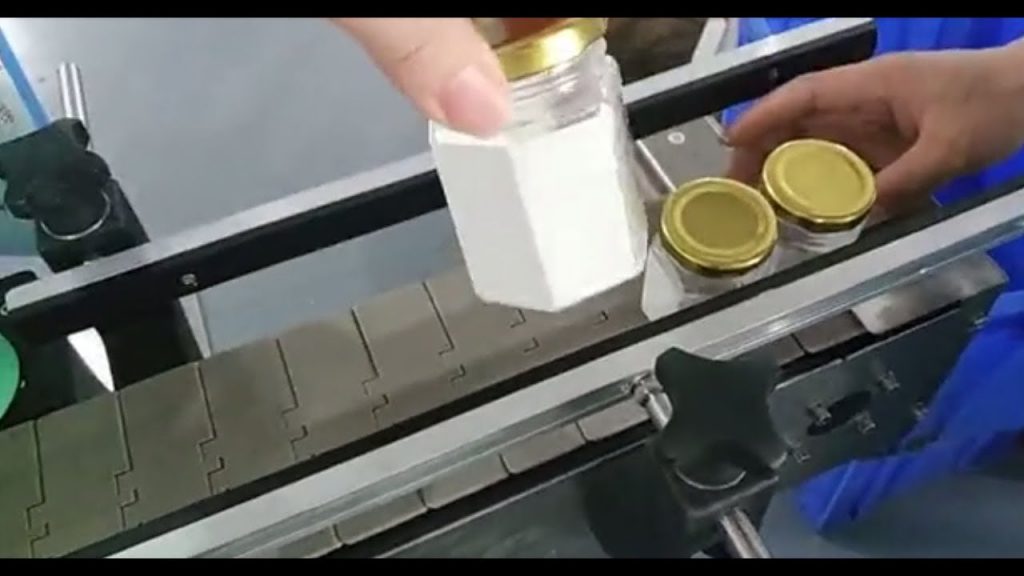
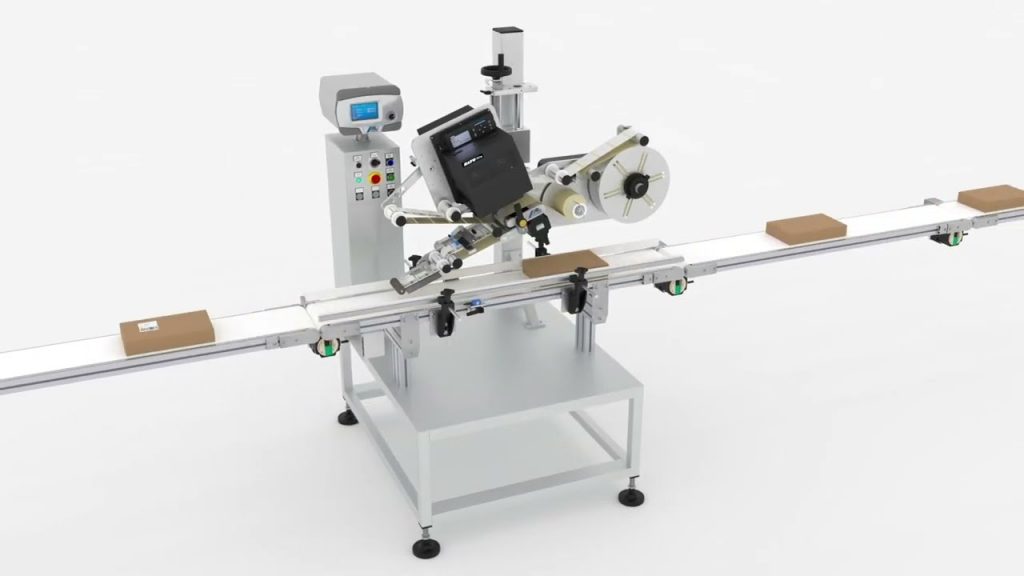
Check out our previous video on label printing machines to learn more about the benefits of using MakeID label maker. In this article, we will provide a step-by-step guide on how to use the MakeID label maker and discuss its features and advantages. So, let's dive in!
To begin, you will need to download the "MAKEID-Life" app from either Google Play or the App Store. Simply search for it, click on the download button, and wait for the installation to complete. Once installed, open the app to get started.
The MakeID label maker offers a user-friendly interface that allows you to create and print custom labels effortlessly. Whether you need labels for organizing your office supplies, labeling products for sale, or simply personalizing your belongings, the MakeID label maker has got you covered.
Upon opening the app, you will be greeted with a variety of options and features. One of the key features is the ability to choose from a wide range of label templates. These templates are designed to suit various purposes and can be customized according to your preferences. Whether you want a simple text label or a more elaborate design, the MakeID label maker provides you with the tools to create exactly what you need.
Once you have selected a template, you can start adding text, images, and other elements to your label. The app offers a comprehensive editing toolkit that allows you to adjust the font style, size, color, and alignment of the text. You can also upload your own images or choose from a library of pre-designed icons and graphics to enhance your label.
After finalizing your design, it's time to connect your label printing machine to your device. The MakeID label maker is compatible with a wide range of label printing machines, ensuring that you can easily print your labels without any hassle. Simply follow the manufacturer's instructions to establish a connection between your device and the label printing machine.
Once connected, you can send your label design to the label printing machine directly from the app. The MakeID label maker ensures seamless communication between your device and the printing machine, guaranteeing accurate and high-quality label printing.
With the label printing machine ready, load the appropriate label roll and adjust the settings according to your label size and material. The MakeID label maker supports various label sizes and materials, allowing you to choose the most suitable option for your needs. Once everything is set up correctly, hit the print button on the app, and watch as your label is printed instantly.
The MakeID label maker not only provides a convenient and efficient way to create and print labels but also offers advanced features such as barcode generation, QR code integration, and label management. These features are particularly beneficial for businesses that require advanced labeling solutions for inventory management, product tracking, and more.
In conclusion, the MakeID label maker is a powerful tool that simplifies the process of label creation and printing. Its user-friendly interface, extensive customization options, and seamless integration with label printing machines make it an ideal choice for individuals and businesses alike. So, why wait? Download the MakeID-Life app now and start creating professional-looking labels with ease.
Check out the leading manufacturer for professional label printing machine solutions today!
Note: This article is for informational purposes only. The mentioned app and label printing machine are fictional and used for illustrative purposes only. Labeling Machine
"Effortless Label Making: A Step-by-Step Guide to Mastering the MakeID Label Maker and Label Printing Machine"